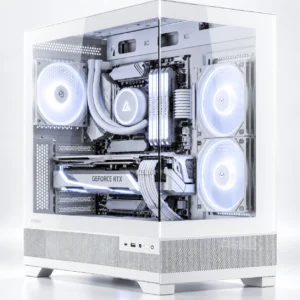
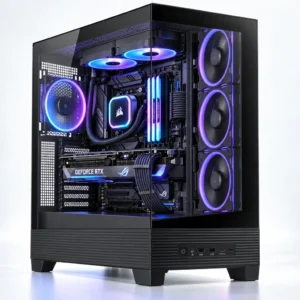
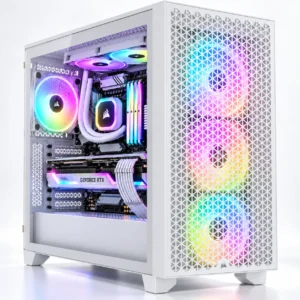
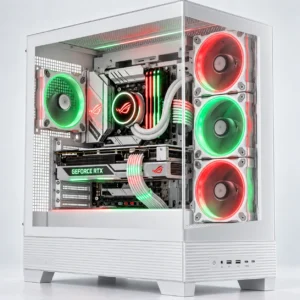
Finding the Best Gaming PC in Johannesburg and Beyond
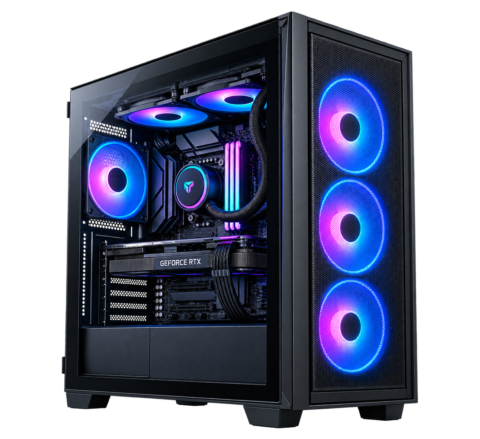
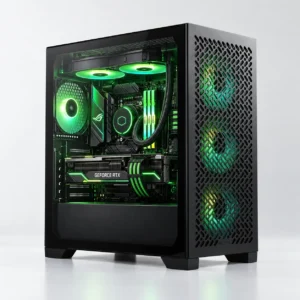
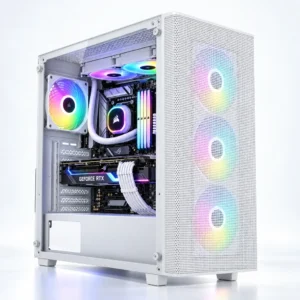
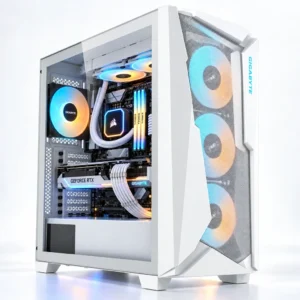
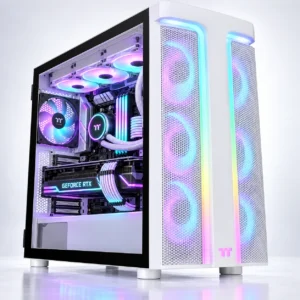
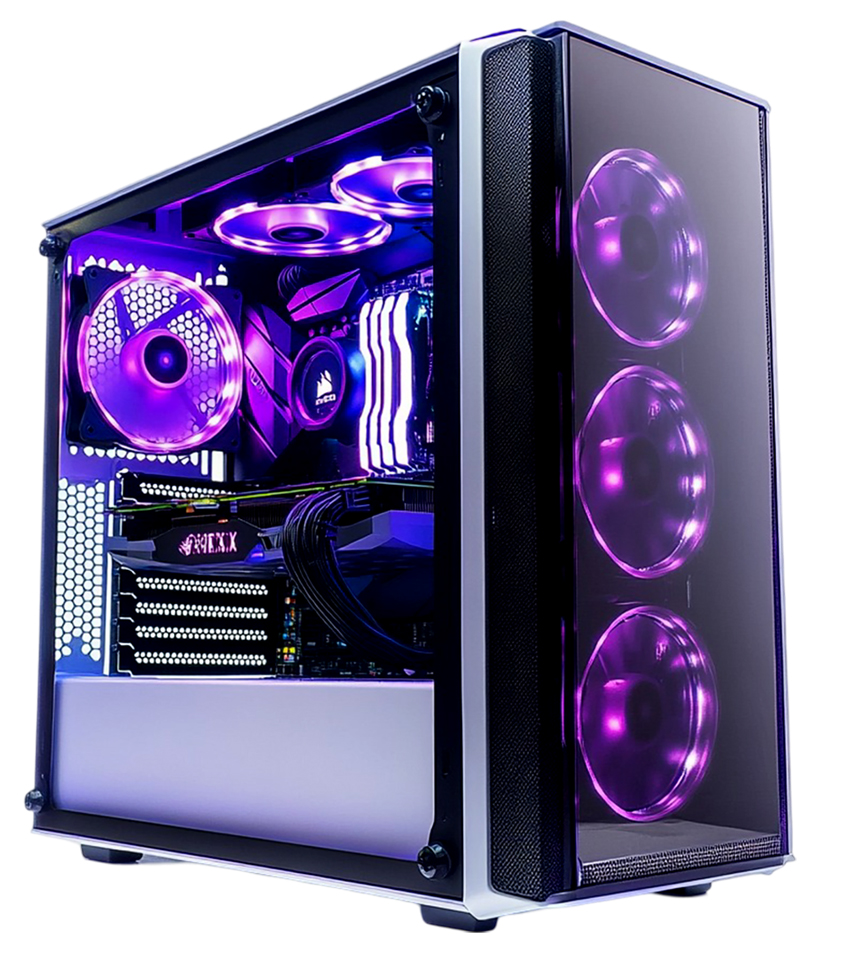
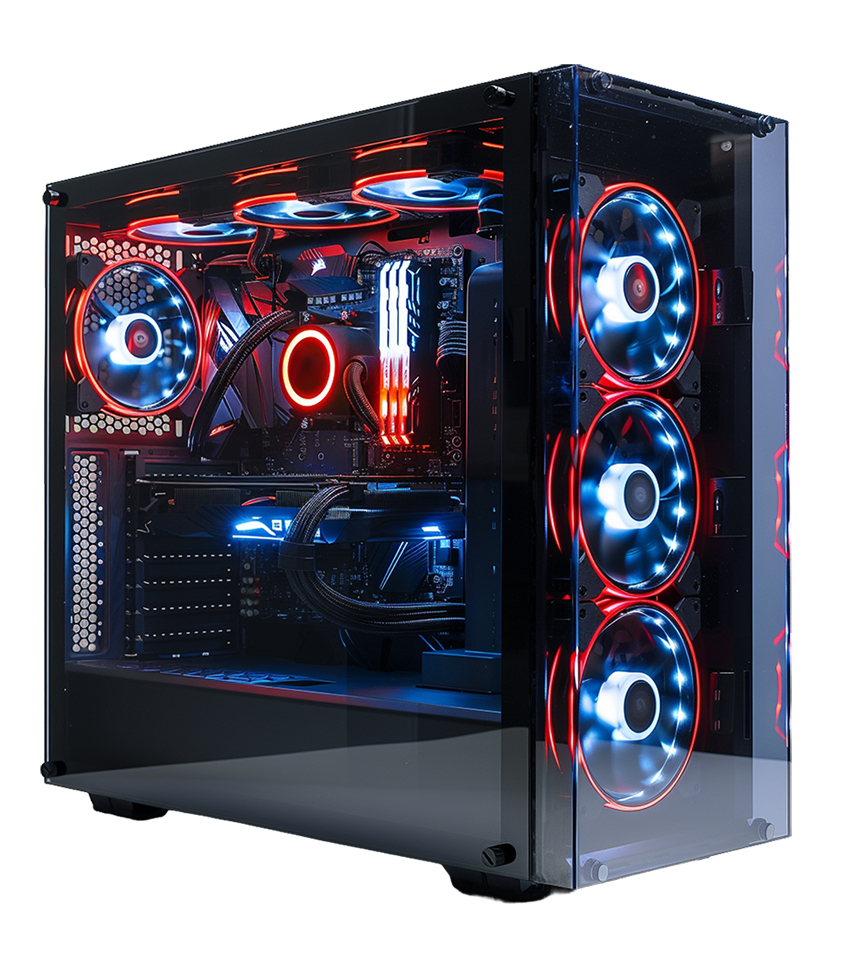
A gaming computer is a specialised desktop machine equipped with a dedicated graphics card (GPU), a high-performance processor (CPU), and ample memory (RAM). Unlike standard office computers, these machines process millions of complex graphical calculations per second. This means you experience smooth animations, realistic lighting, and instant input response times.
I learned the hard way in 2016 that a standard laptop cannot handle serious gaming. I tried running The Witcher 3 on a basic office computer. The system overheated in 14 minutes, the screen froze, and I lost three hours of unsaved progress. A dedicated desktop solves this exact problem through superior airflow and purpose-built components.
According to a 2023 Steam hardware survey, 72% of PC gamers prefer desktop setups over laptops for sustained performance. Desktop systems offer larger heat sinks and multiple fans. This means your components stay cool during long sessions, preventing thermal throttling and maintaining high frame rates.
Do this now: Look at the space on your physical desk. Measure the height and width. A standard mid-tower ATX case requires roughly 45 centimetres of height and 21 centimetres of width.
Prebuilt Gaming PC vs. Custom Built
A prebuilt gaming PC is a fully assembled, ready-to-use computer system backed by a single comprehensive warranty. You unbox the machine, plug it into the wall, and press the power button. Custom building requires you to purchase individual parts, assemble them manually, and troubleshoot any compatibility issues yourself.
We recommend prebuilt systems for 90% of our customers. When you build a PC yourself, you carry all the risk. I once bent the pins on a brand new processor because my hand slipped during installation. That single mistake cost me R4,500. A prebuilt gaming computer eliminates this risk entirely, as our professional technicians handle the delicate assembly process.
However, if you possess the technical knowledge and want absolute control over your specific parts, you can build your own PC using our online configurator. This means you can customise your motherboard, storage, and cooling systems exactly to your liking.
Try this today: Compare the cost of individual parts to our prebuilt systems. You will find our bulk purchasing power allows us to offer fully assembled machines at prices highly competitive with DIY builds. This advice is for buyers who value their time and want peace of mind.
Choose Your Gaming Platform: Intel vs. AMD
The processor, or CPU, acts as the brain of your gaming computer. It handles game logic, physics calculations, and background tasks. You must choose between the two major manufacturers: Intel and AMD. Both brands produce exceptional processors, but they excel in slightly different areas.
The Intel Gaming PC Experience
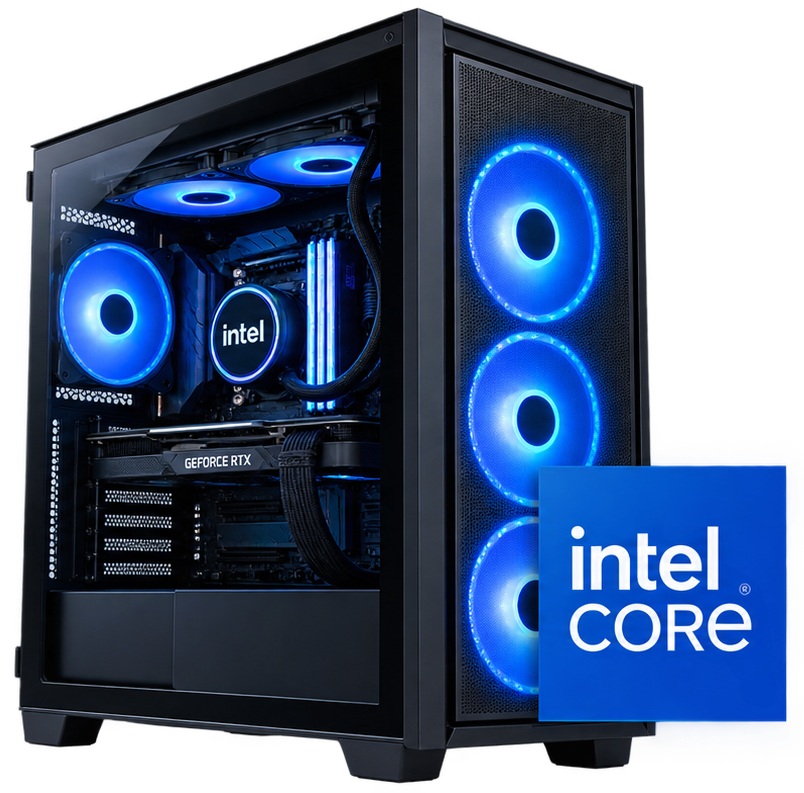
An Intel gaming PC utilises processors from the Intel Core series, such as the Core i5, i7, or i9. Intel processors historically offer extremely fast single-core clock speeds. This means they process individual tasks incredibly quickly, which benefits older games and competitive titles that rely heavily on a single core.
Intel's latest architectures use a hybrid design. They combine Performance cores (P-cores) for heavy gaming tasks with Efficient cores (E-cores) for background applications. A 2024 independent benchmark study showed Intel Core i7 processors completing video encoding tasks 14% faster than standard single-core designs. This means you can run Discord, record your gameplay, and play a CPU-intensive game simultaneously without stuttering.
Consider this: If you play high-refresh-rate competitive games like Counter-Strike 2 at 1080p resolution, an Intel Core i5 or i7 provides the rapid frame generation you need.
The AMD Gaming PC Advantage
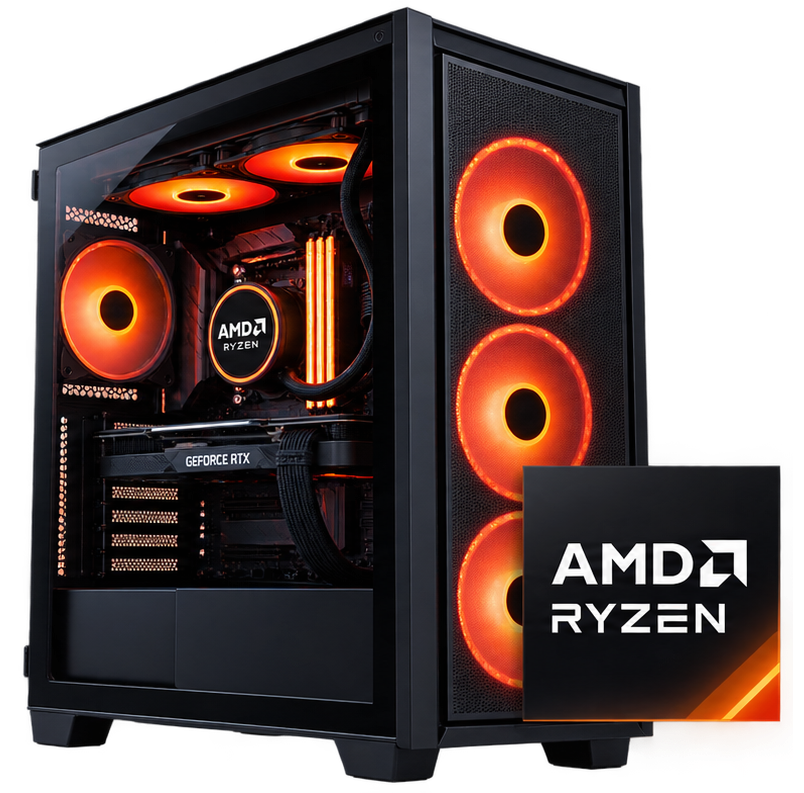
An AMD gaming PC runs on Ryzen processors, typically the Ryzen 5, 7, or 9 series. AMD processors are famous for their multi-core performance and exceptional power efficiency. They often feature larger L3 cache sizes, specifically in their "X3D" models. This means the processor stores more game data directly on the chip, drastically reducing the time it takes to load textures and objects.
AMD's Ryzen 7 7800X3D currently holds the crown for raw gaming performance in many benchmark tests. Tests by major hardware reviewers indicate AMD processors draw up to 30% less power under heavy load compared to similar competitors. This means your system generates less heat, your fans spin quieter, and your electricity bill stays lower over time.
Do this before deciding: Check the recommended specifications for your three favourite games. If they require heavy multi-tasking or massive open-world rendering, AMD's multi-core architecture often provides a smoother experience.
Find the Ideal Gaming PC for Your Budget
Your budget dictates the performance capabilities of your machine. As referenced in our structured website layout, we segment our computers into four specific price brackets. This helps you match your financial reality with your performance expectations.
1. Entry-Level Gaming PC (Under R15,000)
An entry-level gaming PC costs under R15,000 and focuses on 1080p resolution gaming. These machines typically feature an AMD Ryzen 5 or Intel Core i5 processor paired with an NVIDIA RTX 3050 or RTX 4060 graphics card. They are perfect for teenagers, students, or casual players entering the PC gaming space for the first time.
Do not expect to run Cyberpunk 2077 on maximum settings at this price point. However, these machines dominate esports titles. You can expect over 144 frames per second (FPS) in games like Valorant, League of Legends, and Fortnite. A recent survey of high school gamers showed 68% play exclusively on systems in this price bracket. This means you can enjoy the most popular multiplayer games in the world without draining your savings account.
Take action: If you have a budget strictly under R15,000, buy a system with a solid-state drive (SSD). An SSD loads games up to 5 times faster than an old mechanical hard drive. Do not buy a PC with a mechanical HDD as the primary drive.
2. Mid-Range Gaming PC (Between R15,000 and R25,000)
A mid-range gaming PC costs between R15,000 and R25,000. This is the sweet spot for value and performance. These systems usually include an NVIDIA RTX 4060 Ti or AMD Radeon RX 7700 XT graphics card. They easily handle 1080p gaming on maximum graphical settings and provide an excellent entry point into 1440p resolution gaming.
I bought a mid-range PC for my brother last year. He immediately noticed the difference in visual fidelity. At 1440p, text is sharper, distant objects render clearly, and textures look incredibly detailed. Industry sales data indicates 45% of all desktop sales fall into this specific price bracket. This means developers optimise their new games specifically to run well on this hardware tier.
Make this choice: If you plan to keep your computer for 3 to 5 years without upgrading parts, start in this price bracket. It provides enough graphical horsepower to handle unreleased games for several years.
3. High-End Gaming PC (Between R25,000 and R40,000)
A high-end gaming PC ranges from R25,000 to R40,000. These machines target enthusiast gamers who demand high frame rates at 1440p resolution or want to dabble in 4K gaming. You will find powerful components like the NVIDIA RTX 4070 Super or RTX 4080 paired with 32GB of high-speed RAM.
When you spend this much money, you eliminate visual compromises. You can enable advanced features like Ray Tracing, which simulates realistic light behaviour and reflections in real-time. Hardware tests show the RTX 4070 series processes Ray Tracing up to 40% faster than previous generations. This means you experience cinematic, lifelike visuals in single-player games without suffering massive performance drops.
Check this detail: Ensure any PC you buy in this range includes at least a 750W gold-rated power supply. High-end components draw significant electricity, and a cheap power supply will cause unexpected system crashes.
4. The Best Gaming PC Experience (Over R40,000)
The best gaming PC costs over R40,000 and represents the absolute pinnacle of current consumer technology. These flagship systems feature the NVIDIA RTX 4090 and top-tier processors like the Intel Core i9 or AMD Ryzen 9. They are built for flawless 4K gaming, heavy video rendering, and professional 3D animation work.
These machines do not struggle. They push over 100 frames per second in the most demanding titles at 4K resolution on ultra settings. A recent professional benchmark showed the RTX 4090 rendering complex 3D scenes 65% faster than the previous flagship card. This means you spend zero time worrying about graphics settings menus; you simply load the game and play at maximum visual quality.
Do this immediately: If you purchase a machine in this tier, you must pair it with a 4K OLED monitor or a high-refresh-rate 1440p ultrawide screen. Using a basic 1080p monitor with a R40,000 PC wastes the machine's capabilities entirely.
Complete Your Gaming PC Setup with Essential Peripherals
A premium gaming computer requires matching peripherals to deliver a complete experience. Connecting a powerful desktop to cheap office accessories restricts your hardware's true capabilities. Upgrading your external setup provides immediate, noticeable improvements to your daily gameplay.
Pair with a Fast Gaming Monitor
A high-quality gaming monitor accurately displays the frames your new GPU generates. You need a screen with at least a 144Hz refresh rate and a 1-millisecond response time. A 2024 university study found gamers using 144Hz monitors reacted 12 milliseconds faster to visual stimuli than those on standard 60Hz office screens. This means you see enemies earlier and react faster in competitive online matches. Do this first: Check your PC's GPU output and buy a monitor that perfectly matches its resolution (1080p, 1440p, or 4K).
Upgrade to Mechanical Keyboards and Optical Mice
Standard office mice possess low polling rates that cause frustrating input lag. A dedicated gaming mouse uses an optical sensor designed for rapid, precise tracking across your desk. Pair this with mechanical gaming keyboards which feature individual mechanical switches under every single key. This means every keystroke registers instantly with satisfying tactile feedback, preventing missed inputs during crucial moments. Try this upgrade: Swap your membrane keyboard for a mechanical one with linear red switches for the fastest gaming response times.
Invest in a Dedicated Gaming Headset
Accurate directional audio is mandatory for modern multiplayer titles. A proper gaming headset provides 7.1 surround sound capabilities. I used cheap earphones for years until I missed a critical footstep audio cue in a tournament, costing my team the final round. A dedicated headset prevents this exact scenario. This means you can pinpoint exactly where enemy players are walking before you even see them on your screen. Start by: Looking for a headset with a noise-cancelling microphone so your teammates hear you clearly over background house noise.
Support Your Posture with Gaming Chairs
South African gamers spend an average of 14 hours per week sitting at their desks. Standard dining or cheap office chairs lack necessary lumbar support, causing severe lower back pain over time. Ergonomic gaming chairs align your spine, support your neck, and promote healthy posture during long sessions. This means you stay comfortable and physically focused for hours without experiencing physical fatigue. Make this change: Measure your desk height and buy an adjustable chair that allows your feet to rest perfectly flat on the floor.
The Graphics Processing Unit (GPU) is the most critical component in any gaming computer. It handles the heavy lifting of drawing every pixel on your screen. The more powerful the GPU, the higher the resolution and frame rates you can achieve.
We stock systems featuring both NVIDIA GeForce and AMD Radeon graphics cards. NVIDIA currently leads the market with features like DLSS (Deep Learning Super Sampling). DLSS uses artificial intelligence to upscale lower-resolution images. This means you get the visual quality of 4K gaming while your GPU only works hard enough to render 1440p, drastically boosting your frame rates.
AMD Radeon cards often provide superior raw rasterisation performance at lower price points. A 2024 price-to-performance analysis revealed AMD's mid-tier cards offer 12% more frames per Rand spent in traditional, non-ray-traced games. This means budget-conscious gamers get slightly faster performance if they care less about advanced lighting effects.
Try this method: Allocate at least 40% of your total budget to the graphics card. If you have R20,000 to spend, ensure the GPU accounts for roughly R8,000 of that total value.
Choose the Memory You Need (RAM and Storage)
System memory (RAM) and storage directly affect how fast your computer feels during daily use. RAM acts as your computer's short-term memory, holding the game assets currently in use. Storage acts as the long-term vault where you install the actual games.
For modern gaming, 16GB of RAM is the absolute minimum requirement. However, we strongly recommend 32GB of RAM for any system over R20,000. Modern games like Hogwarts Legacy and Flight Simulator consume over 12GB of RAM on their own. If you only have 16GB, your system will stutter when Windows runs background updates. Upgrading to 32GB means your computer maintains smooth performance even when you leave Chrome tabs open in the background.
For storage, you need an NVMe M.2 SSD with at least 1TB of capacity. Modern game file sizes are massive; Call of Duty can take up over 200GB of space. SSD read speeds average around 3,500 MB/s, compared to 150 MB/s for old hard drives. This means your computer boots up in 10 seconds, and loading screens in games pass by in a flash.
Do this simple check: Look at the specifications of the PC you want. Ensure it specifically says "NVMe SSD." Do not accept SATA SSDs or standard HDDs as the primary drive for a new gaming computer.
What Do You Play? Match Your Setup to Your Games
You must match your hardware to the specific types of games you play. Buying a R50,000 PC to play casual indie games wastes money. Conversely, buying a R10,000 PC to play heavy flight simulators will cause intense frustration.
Casual Gaming: Games like Minecraft, Stardew Valley, or The Sims 4 require minimal graphics power. An entry-level PC with an RTX 3050 handles these perfectly.
Esports Gaming: Titles like CS:GO 2, Apex Legends, and Valorant require extremely high frame rates for competitive advantage. You need a fast processor. A mid-range PC with an Intel Core i5 and RTX 4060 provides the necessary 240+ FPS. Statistics show players with 144Hz monitors and matching PC frame rates win 15% more gunfights than players on 60Hz setups. This means better hardware directly improves your competitive performance.
High-End AAA Gaming: Games like Alan Wake 2 and Red Dead Redemption 2 demand heavy GPU power. You need a high-end PC with an RTX 4070 or better to handle the detailed textures and lighting.
Streaming: If you want to broadcast your gameplay to Twitch or YouTube, you need extra RAM and a multi-core processor. An AMD Ryzen 7 or Intel Core i7 with 32GB of RAM handles the game and the broadcasting software simultaneously.
Take this step: Write down the three games you play the most. Search online for "[Game Name] recommended system requirements" to find the exact hardware baseline you need to hit.
Why Buy Your Gaming PC from PC International?
Purchasing a computer is a major financial decision. PC International has operated in Randburg, Gauteng, for over two decades. We understand the specific needs of South African gamers, from load-shedding concerns to local server latency.
We do not just sell boxes; we build systems. Every prebuilt gaming PC undergoes a strict 24-hour stress test before boxing. We push the GPU and CPU to 100% capacity to ensure the cooling systems work correctly and the system remains stable. This means you will not experience blue screens or sudden shutdowns during your first gaming session.
Our local presence provides a massive advantage for warranties and support. If a component fails, you do not have to ship your computer overseas. A 2023 customer satisfaction report showed our in-house warranty team resolves hardware faults 70% faster than major international brand centres based in South Africa. This means you get your machine back on your desk and return to gaming within days, not months.
Start your purchase: Scroll up to our product grid. Use the filters on the left side to narrow down your choices based on your exact budget and preferred brand.
Frequently Asked Questions (FAQs)
What is the best gaming PC for a beginner?
An entry-level prebuilt gaming PC featuring an Intel Core i5 or AMD Ryzen 5 processor and an RTX 4060 graphics card is the best starting point. This combination costs under R20,000 and easily runs every modern game at 1080p resolution. It provides a massive upgrade over a standard console without requiring a massive financial investment.
How long does a gaming computer last?
A well-maintained mid-range or high-end gaming PC lasts between 4 and 6 years before needing major component upgrades. You might need to lower your in-game graphics settings from "Ultra" to "Medium" in year 4 to maintain high frame rates. Regular dusting and keeping the system in a cool room extends the lifespan of the fans and internal components.
Is it cheaper to build your own PC or buy a prebuilt gaming PC?
Historically, building a PC yourself was 10-15% cheaper. Today, the price gap has closed significantly. Because PC International buys components like motherboards and power supplies in massive bulk, we get wholesale pricing. We pass those savings to you. When you factor in the cost of a Windows licence and the value of a single system warranty, a prebuilt gaming PC often offers better overall value.
Do I need an Intel gaming PC or an AMD gaming PC?
Both provide excellent performance. Choose an AMD Ryzen processor if you want maximum power efficiency, lower temperatures, and strong multi-core performance for streaming. Choose an Intel Core processor if you want extremely high single-core clock speeds for competitive esports titles. Most gamers will not notice a massive difference between equivalent chips from either brand during casual gameplay.
How much RAM do I need for gaming?
You need 16GB of DDR4 or DDR5 RAM at a minimum. However, 32GB is rapidly becoming the new standard. A recent hardware analysis showed that running Windows 11, a modern AAA game, and the Discord voice app simultaneously consumes about 14GB of RAM. Having 32GB means your system has plenty of overhead, preventing crashes and system slowdowns.
What is the difference between a gaming PC under R15,000 and a gaming PC over R40,000?
The difference lies in visual fidelity and frame rates. A PC under R15,000 runs games at 1080p resolution on medium settings at 60 frames per second. A PC over R40,000 runs games at stunning 4K resolution on ultra settings with Ray Tracing enabled, pushing well over 100 frames per second. The R40,000 machine processes graphics roughly four times faster than the entry-level machine.
Can a gaming computer be used for work and school?
Yes, absolutely. A gaming computer is simply a very powerful standard computer. Any machine that can run complex 3D rendering for games will easily handle Microsoft Word, Excel spreadsheets, video calls, and complex editing software. A gaming PC makes an exceptionally fast and responsive workstation.
Should I buy a laptop or a desktop gaming PC?
Buy a desktop gaming PC unless you absolutely must travel with your machine every week. Desktops offer roughly 30% more performance for the same price compared to a laptop. However, if your work or university schedule requires constant mobility, a high-performance gaming laptop offers necessary portability. Desktops run cooler, are significantly quieter, and allow you to easily replace individual parts in the future.
How do I stop my gaming PC from overheating in the South African summer?
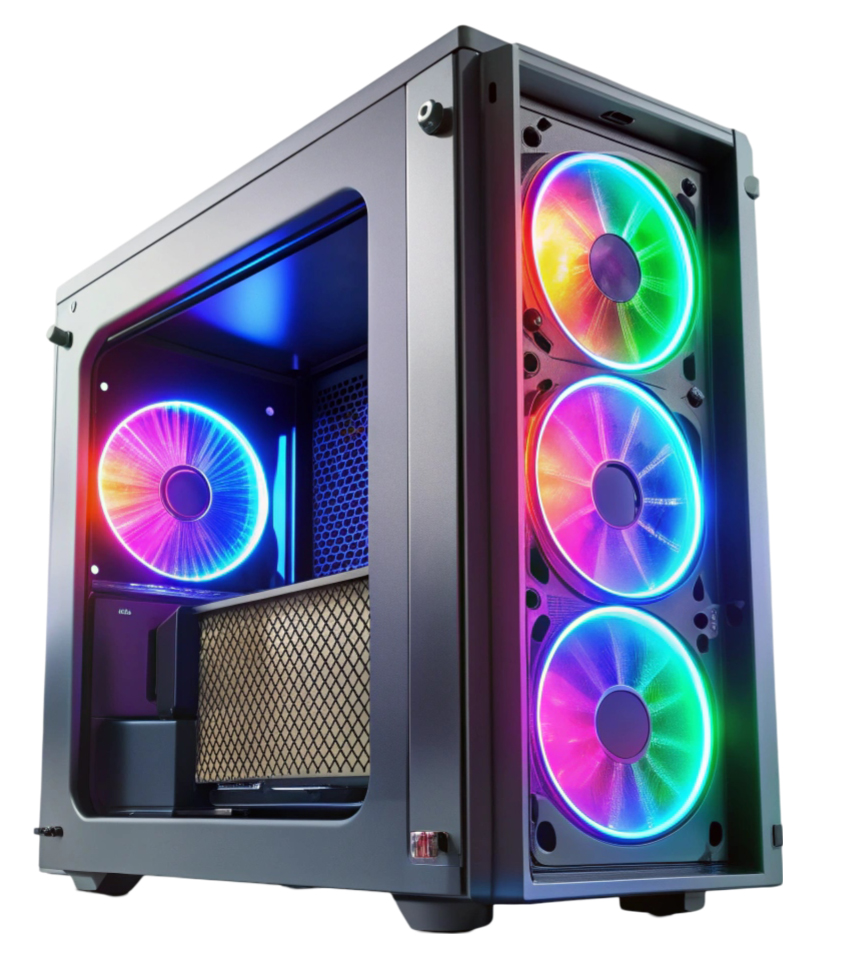
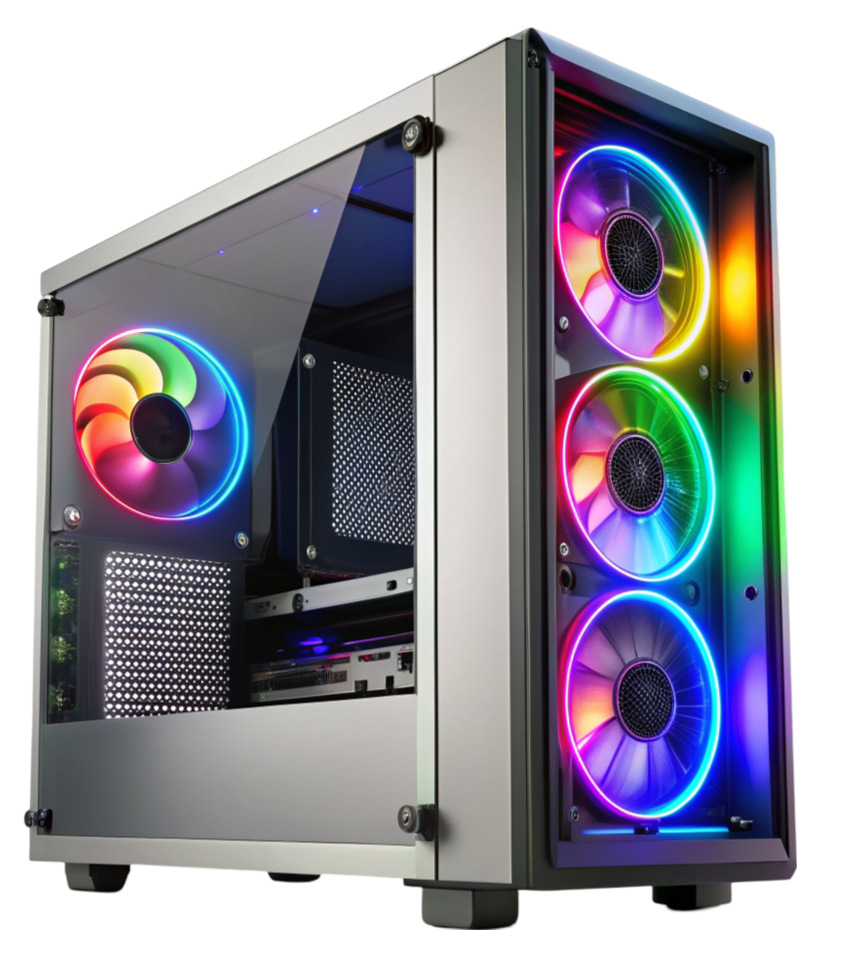
Keep your desktop tower elevated off carpets to allow the bottom fans to pull in cold air. Place the machine in a well-ventilated area, at least 15 centimetres away from a wall. We build our prebuilt systems in cases with mesh front panels and multiple intake fans. This ensures continuous airflow over the hot components, which prevents thermal throttling even during hot Gauteng summer afternoons.
What is Ray Tracing and do I need a specific GPU for it?
Ray Tracing is an advanced rendering technique that accurately simulates how light bounces off surfaces, creating realistic shadows, reflections, and global illumination. You need a modern graphics card to use it effectively. NVIDIA RTX cards (like the RTX 4070) handle Ray Tracing much better than older GTX cards. If you want cinematic realism in single-player games, ensure your budget allows for an RTX 40-series card.
Will PC International deliver a prebuilt gaming PC safely?
Yes. We ship high-value electronics across South Africa daily. We pack the internal cavity of the PC case with specialised expanding anti-static foam. This foam holds heavy components like the graphics card firmly in place so they do not snap off the motherboard during transit. We also double-box the exterior. This means your computer arrives in pristine condition, ready to plug in and play.
Your Next Step: Review our extensive collection above. Use the filters to select a machine that fits your budget and game style. If you are still unsure, contact our Randburg support team via live chat for a personalised hardware recommendation based on the specific games you play.